01 / PROCESSORCOMPUTE
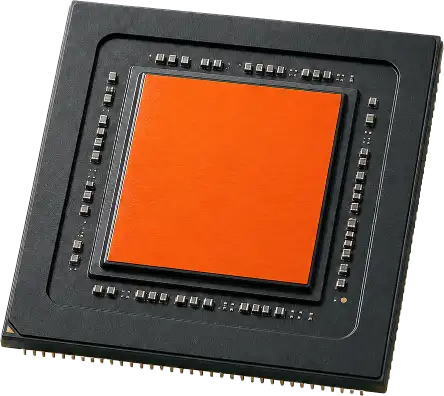
CPU
The system's general-purpose engine. Compare core count, clock behavior, platform support, efficiency, and the needs of your primary applications.
Desktop systems / Field guide 2026
A practical brochure for choosing balanced desktop PC parts. Compare the six essential component groups, understand common specifications, and plan a system that fits the work.
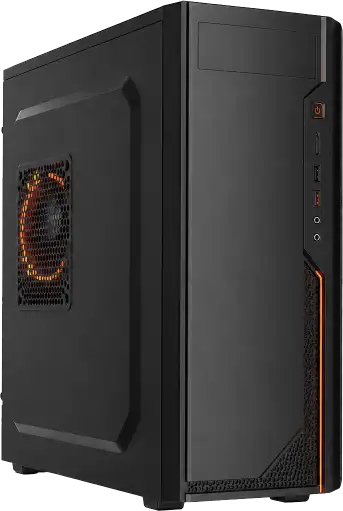
Essential hardware
Performance comes from the way components work together. Choose for compatibility, workload, thermals, and upgrade goals—not a single headline number.
The system's general-purpose engine. Compare core count, clock behavior, platform support, efficiency, and the needs of your primary applications.
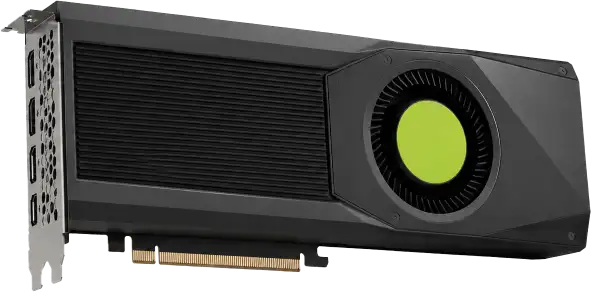
Accelerates visual workloads, games, 3D rendering, video effects, and selected compute tasks. Check memory capacity, power draw, and case clearance.
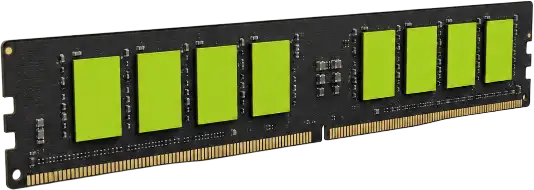
Holds active data close to the processor. Capacity usually matters first; supported generation, speed, latency, and channel configuration follow.
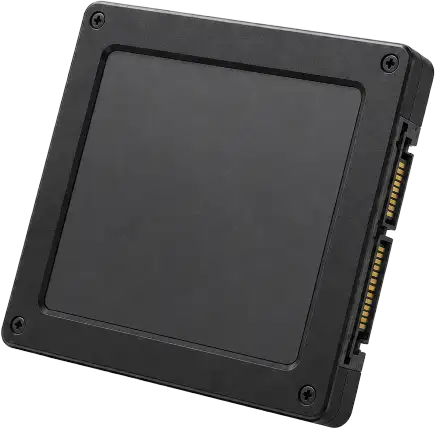
Solid-state storage improves launch, transfer, and load times. Balance interface speed, sustained performance, endurance, capacity, and backup needs.
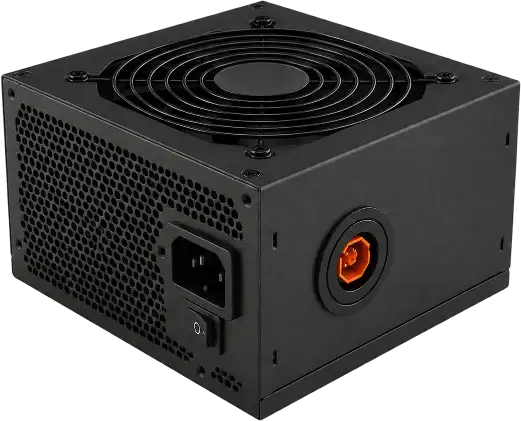
A quality power supply supports system stability. Size for realistic peak draw, correct connectors, efficiency, acoustics, and sensible headroom.
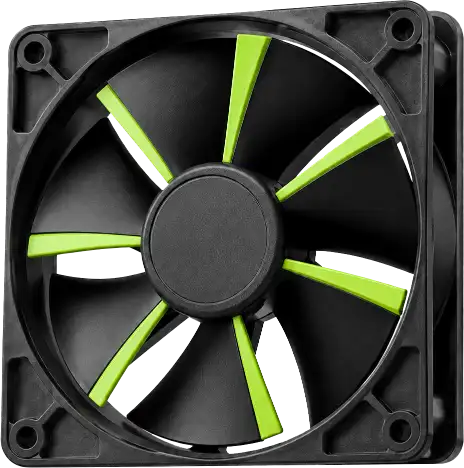
Good airflow helps components sustain performance. Match the cooler to processor heat, case dimensions, fan placement, noise goals, and climate.
Reference sheet
These generic ranges illustrate three common system profiles. Exact compatibility depends on the selected parts and manufacturer documentation.
| Component | Everyday | Performance | Workstation |
|---|---|---|---|
| Processor | 6–8 modern cores | 8–16 modern cores | 16+ cores or specialist platform |
| Graphics | Integrated or entry discrete | Mid/high-tier discrete GPU | High-memory professional GPU |
| Memory | 16 GB dual-channel | 32–64 GB dual-channel | 64–256+ GB, ECC if required |
| Primary storage | 1 TB NVMe SSD | 2 TB NVMe SSD | 2–4 TB NVMe + project drives |
| Power supply | 500–650 W | 750–1000 W | 1000 W+ as workload requires |
| Cooling | Tower air cooler | Large air or liquid cooler | Workload-rated thermal solution |
Planning method
Define the job first, then select compatible hardware as a complete system. This keeps the budget focused on performance you can actually use.
List your main applications, display resolution, file sizes, target performance, noise preference, and expected service life.
Choose the processor and compatible motherboard socket or chipset, then confirm memory generation, expansion slots, and connectivity.
Verify graphics-card length, cooler height, radiator support, memory clearance, power connectors, and physical case dimensions.
Allow practical electrical and cooling headroom while avoiding oversized parts that add cost without useful benefit.
Common questions
Start with the processor and graphics requirements for your main workload. From there, choose a compatible motherboard, memory kit, power supply, case, storage, and cooling system.
Sixteen gigabytes is a practical baseline for general use. Thirty-two gigabytes is helpful for demanding creative work, development, simulation, or heavy multitasking. Specialist workloads may need substantially more.
Estimate realistic peak draw, confirm every required connector, and select a well-reviewed unit with sensible headroom. Quality, protections, acoustics, and warranty matter alongside wattage.
No. Large air coolers can provide excellent performance with fewer moving parts. Liquid cooling can help in particular thermal or space configurations, but the right choice depends on processor heat, case support, noise goals, and maintenance preferences.
No. The same useful component guide is presented to people and search engines. The page uses semantic HTML and structured data for clarity, without hidden keywords, misleading redirects, or deceptive cloaking.
Ready reference